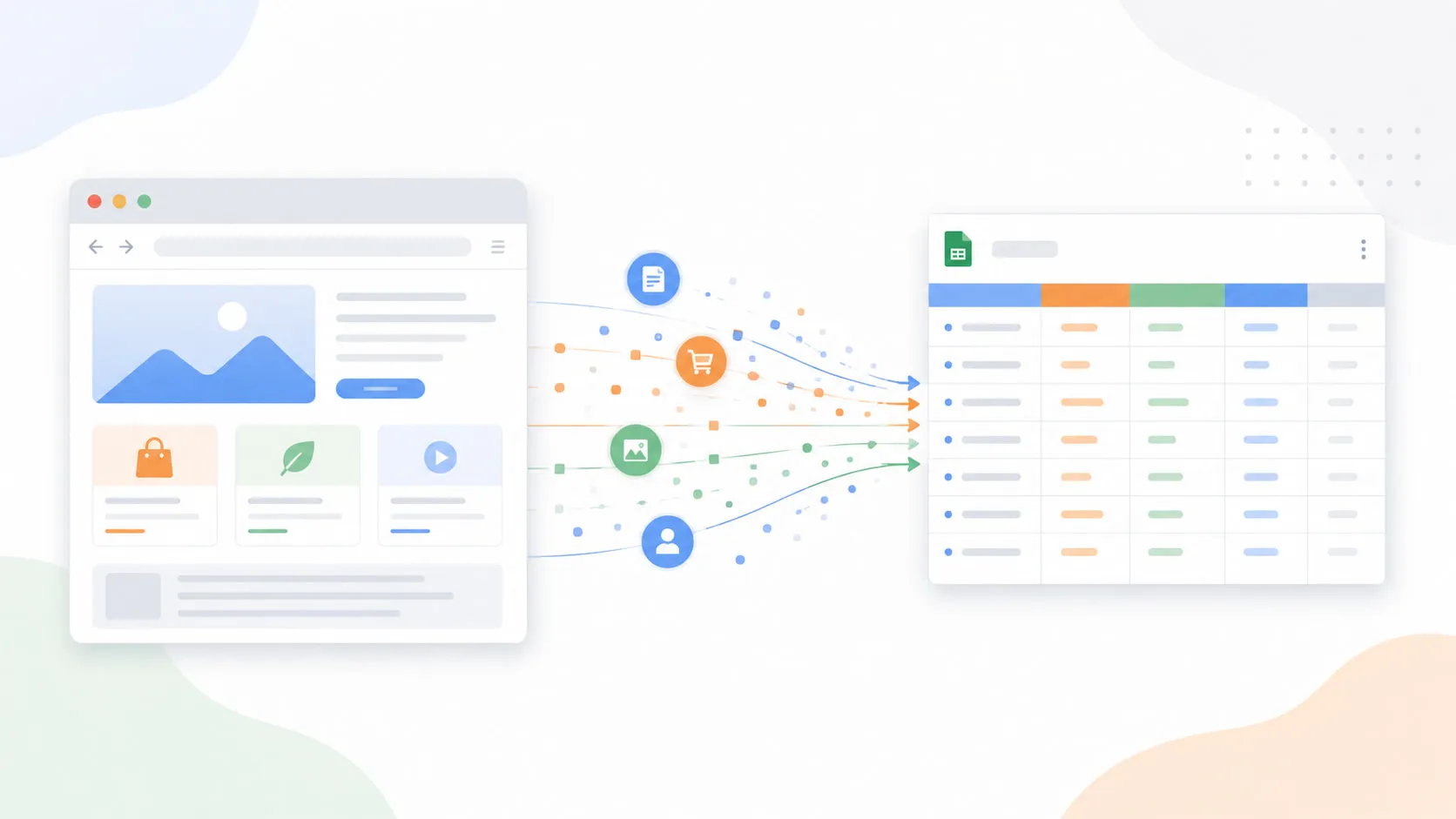
What is Apify? In short: it’s a cloud platform for web scraping and data extraction.
Every business runs on data. Competitor prices, customer reviews, job postings, market trends — it’s all sitting on the web, publicly available, updated in real time. The problem is getting it out in a usable form.
That’s exactly what Apify is built for. And the good news is you don’t need to write a single line of code to use it.
This guide covers everything you need to know: what Apify is, how it works, who it’s for, and how to get started today.
What is Apify?
Apify is a cloud platform for web scraping and data extraction. In plain terms, it turns any website into structured, downloadable data — think spreadsheets, JSON files, or direct database feeds — without you needing to build or maintain any scraping infrastructure yourself.
Founded in 2015, Apify has grown into one of the largest web data platforms in the world. It handles everything behind the scenes: the servers, the proxies, the anti-blocking measures, the scheduling. You just tell it what data you want and where to find it, and it does the rest.
What are Apify Actors?
The core concept on Apify is something called an Actor.
An Actor is a serverless cloud program built to do one specific scraping or automation job. Think of it like an app: you open it, give it some inputs (a search term, a URL, a location), click Run, and it goes off and does the work. When it’s done, your data is ready to download.
Each Actor takes a structured input, performs its task on Apify’s cloud infrastructure, and produces a clean output in whatever format you need — CSV, JSON, Excel, or a direct API feed.
Actors can run on demand, on a schedule (say, every morning at 8am), or be triggered automatically via an API or a tool like Make, Zapier, or n8n. You can also chain Actors together to build more complex data pipelines.
What is the Apify Store?
Here’s where it gets really useful for non-technical users: you don’t have to build an Actor yourself.
The Apify Store hosts over 36,000 ready-made Actors built by developers around the world — covering everything from Google Maps and LinkedIn to Amazon, Instagram, TikTok, and hundreds of other websites and platforms.
If data exists on the web, there’s a good chance someone has already built an Actor for it. You just find the one you need, configure it with your inputs, and run it. No coding, no setup, no infrastructure to worry about.
What can you do with Apify?
Web data has a use case in almost every industry. Here are some of the most common ways people use Apify:
Lead generation. Sales teams use Apify to pull business contact details — names, emails, phone numbers, and company info — from directories, Google Maps, and LinkedIn. What used to take hours of manual research now takes minutes.
Price monitoring. E-commerce businesses track competitor prices across Amazon, Shopify stores, and retail sites. Set it on a schedule and get daily price updates delivered automatically.
Job market research. HR teams and recruiters pull job postings from LinkedIn, Indeed, and other job boards to monitor hiring trends, benchmark salaries, or track competitor hiring activity.
Market research. Analysts collect customer reviews, ratings, and product listings to understand how a market is moving or how competitors are positioning themselves.
Feeding AI pipelines. AI teams use Apify to gather fresh, real-world content from the web to train models, build RAG (retrieval-augmented generation) pipelines, or keep knowledge bases up to date.
Social media monitoring. Brands scrape public posts, comments, and profiles to track mentions, analyze sentiment, or monitor trends across platforms.
Who is Apify for?
Apify is often described as a developer tool, but that’s only half the story.
On the technical side, developers use Apify to build custom Actors using JavaScript or Python, deploy them to the cloud, and even monetize them in the Apify Store. Apify handles all the infrastructure, billing, and distribution.
But non-technical users are just as much at home on the platform. Recruiters, sales managers, marketers, data analysts, and business owners all use Apify through ready-made Actors in the Store — no code required. If you can fill out a form and click a button, you can use Apify.
The common thread is anyone who needs reliable, structured data from the web at a scale that manual copy-paste can’t keep up with.
How does Apify work? A real example.
Let’s walk through a real example so this clicks concretely. Say you’re a sales manager and you want a list of all Italian restaurants in New York City with their phone numbers, ratings, and addresses — to build a prospect list.
Here’s exactly what you’d do using the Google Maps Scraper, one of the most popular Actors on the platform with over 444,000 users.
Step 1: Sign up and open the Actor. Create a free Apify account (no credit card required) and head to the Apify Store. Search for “Google Maps Scraper” and open it.
Step 2: Configure your inputs. In the input form, type your search query — something like “Italian restaurants New York City” — and set a limit for how many results you want. That’s it. No code, no selectors, no configuration files.
Step 3: Run it. Click Start. Apify runs the Actor on its cloud servers. You’ll see a live log as it works through the results. Most runs like this complete in a few minutes.
Step 4: Download your data. Once it’s done, your results appear in the Output tab. You get business names, addresses, phone numbers, ratings, review counts, opening hours, and more — all structured and ready to use. Export to CSV or Excel with one click.
That’s the whole workflow. The same pattern applies to any Actor in the Store — inputs in, structured data out.
Apify pricing: what does it actually cost?
Apify offers a free plan and three paid tiers. Here’s how they break down:
| Plan | Price | Monthly Credits | Compute Rate |
|---|---|---|---|
| Free | $0 | $5 | $0.20 / compute unit |
| Starter | $29/month | $29 | $0.20 / compute unit |
| Scale | $199/month | $199 | $0.16 / compute unit |
| Business | $999/month | $999 | $0.13 / compute unit |
| Enterprise | Custom | Custom | Custom |
A few things worth knowing. First, the free plan is genuinely useful — $5 in monthly credits goes a reasonable distance for small or infrequent jobs. No credit card required to get started.
Second, some Actors in the Store use a pay-per-result pricing model (called Pay Per Event, or PPE) rather than compute units. The price per result varies by Actor and is shown clearly on each Actor’s page before you run anything. Always check the Pricing tab before running a large job.
Third, annual billing saves you 10% across all paid plans.
For most individuals and small teams starting out, the free plan or Starter tier is more than enough to get real value from the platform. If you want a full breakdown of every cost — compute units, data transfer, proxy pricing, and how pay-per-event billing works — see our complete Apify pricing guide.
Is Apify free to try?
Yes. The free plan gives you $5 in monthly credits with no credit card required. That’s enough to run the Google Maps Scraper or similar Actors and see exactly what you get before committing to anything.
You can sign up here and have your first Actor running within minutes.
Frequently asked questions
Do I need to know how to code to use Apify? No. The Apify Store has over 36,000 ready-made Actors you can use without writing any code. You configure inputs through a standard web form and download results when the run is complete.
What is an Apify Actor? An Actor is a cloud-based program that performs a specific scraping or automation task. Each one takes structured inputs, runs on Apify’s infrastructure, and produces a clean data output. Think of Actors like apps — you pick the one you need and run it.
Is Apify legal? Apify scrapes publicly available data and is widely used by businesses and researchers worldwide. That said, what you do with scraped data and how you use it is your responsibility. Apify publishes an Acceptable Use Policy and users are expected to respect the terms of service of the websites they scrape.
How much does Apify cost? There’s a free plan with $5 in monthly credits and no credit card required. Paid plans start at $29/month. Some Actors in the Store also charge a per-result fee on top of the base plan — always check the Pricing tab on the Actor page before running large jobs.
What websites can Apify scrape? With over 36,000 Actors in the Store, there’s coverage for most major websites — Google Maps, LinkedIn, Amazon, Instagram, TikTok, Facebook, Airbnb, Booking.com, and hundreds more. If a ready-made Actor doesn’t exist for your target site, you or a developer can build one using Apify’s SDK.
Can I schedule Apify to run automatically? Yes. Apify has a built-in scheduler so you can run any Actor on a recurring basis — daily, weekly, or at any custom interval — without manual intervention. Results are stored in the cloud and available for download or API access whenever you need them.
Apify is one of those tools that feels almost too straightforward once you actually use it. The barrier between “I need this data” and “I have this data” is genuinely small — pick an Actor, fill in your inputs, and you’re done.
If you want to see what’s possible, the best way is to try it for free. Your first run is a few minutes away.